
How to Access Resources on ConfinementCares.com
[For All Users]
Alongside listings and blog articles, ConfinementCares also offers a dedicated Resources section — helpful reading material for moms navigating pregnancy, confinement, and postpartum recovery. Here's how to find and access them.
Step 1: Visit the ConfinementCares Homepage
Go to https://confinementcares.com/.
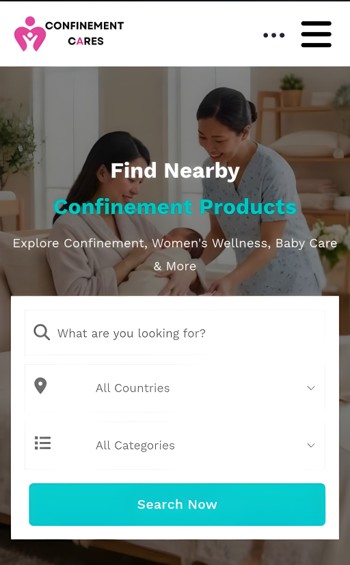
Homepage
Step 2: Go to the Footer Menu
Scroll to the bottom of the page to the Discover section of the footer.
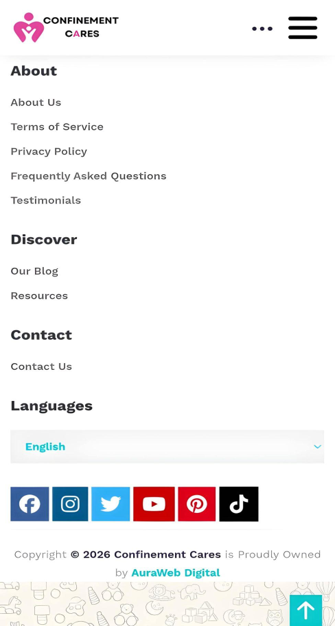
Discover section in the footer
Step 3: Click "Resources"
Click Resources to go to the resources page at https://confinementcares.com/resources.
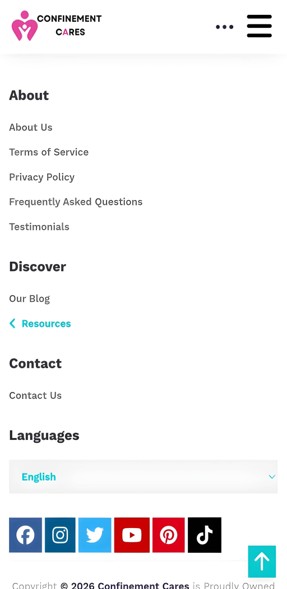
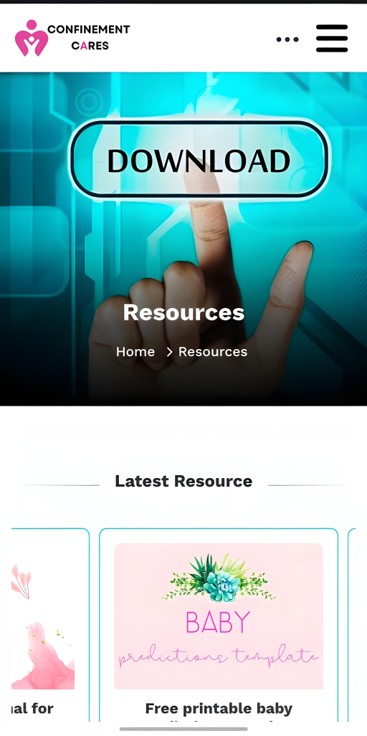
Resources link
Step 4: Browse Available Resources
Scroll through the page to see what's available.
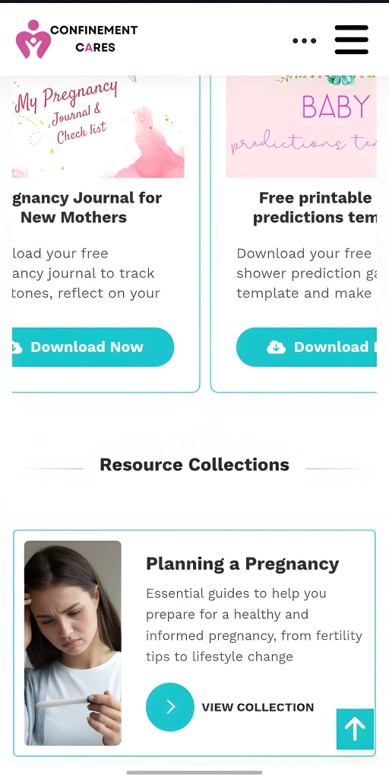
Resources list
Step 5: Click to Read
Click on any resource to open and read it and download directly in your browser.
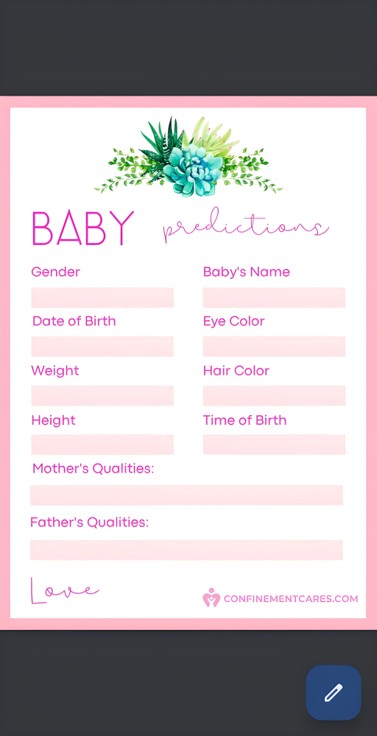
Full resource page
Important Notes
- You don't need an account to access resources — they're free and open to everyone.
- Resources are read online and download them as files.
- Check back regularly, as new resources may be added over time.
Frequently Asked Questions
Q: Do I need to create an account to view resources?
A: No, resources are available to everyone without needing to log in.
Q: Can I download resources to read offline?
A: No, resources on ConfinementCares are web pages meant to be read online, not downloadable files.
Q: What's the difference between Resources and the Blog?
A: The Resources section provides helpful guides and reference materials that you can download, while the Blog features informative articles, tips, and updates on relevant topics.
Q: Can I suggest a topic for a future resource?
A: Yes. You can share your suggestions with the
[email protected]
, and they can consider them for future resources.
Need Help? If you have questions about our resources, feel free to reach out. .
📧 Email: [email protected]
Want more reading? Learn how to explore our blog for additional tips and advice.
Recommended Blog Topics
- How to Register an Account
- How to Claim your Listing
- How to Create a Business Listing
- How to Edit Your Listing
- How to Upload Photos
- How to Update Contact Information
- How to Share Your Listing
- How to View Listing Status
- How to Reset Your Password
- How to Like, Rate, and Review a Listing
- How to Explore Blogs
- How to Explore Listings