
How to Like, Rate, and Review a Listing on ConfinementCares.com
[For All Users]
Had a great experience with a confinement center, nanny, or product you found on ConfinementCares? Sharing your feedback helps other moms make confident decisions — and helps great businesses get the recognition they deserve. Here's how to like, rate, and review a listing.
Step 1: Find the Listing
Go to https://confinementcares.com/ and search or browse to find the listing you'd like to review.
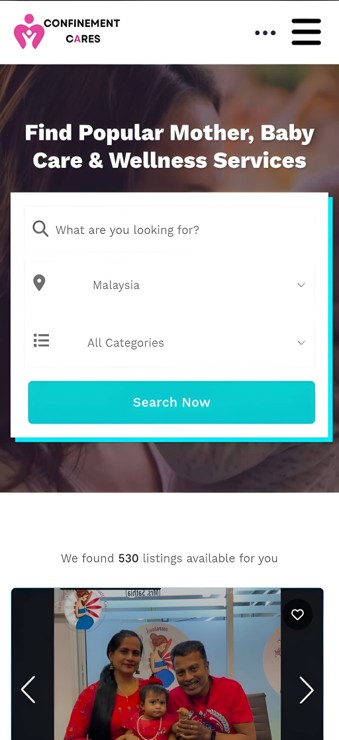
Listing search results
Step 2: Open the Listing Page
Click on the listing to open its full profile page, where you'll find the Like, Rate, and Review options.
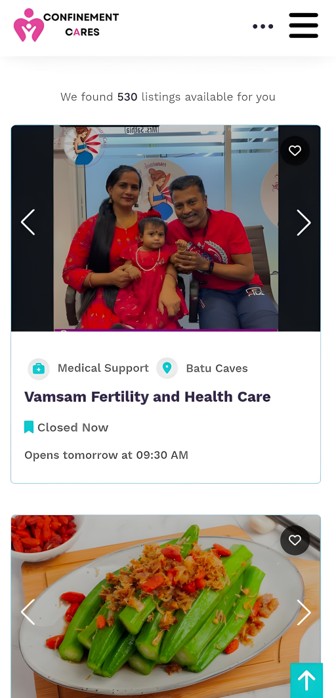
Full listing page
Step 3: Log In
Whether on liking, rating, and reviewing require you to be logged in
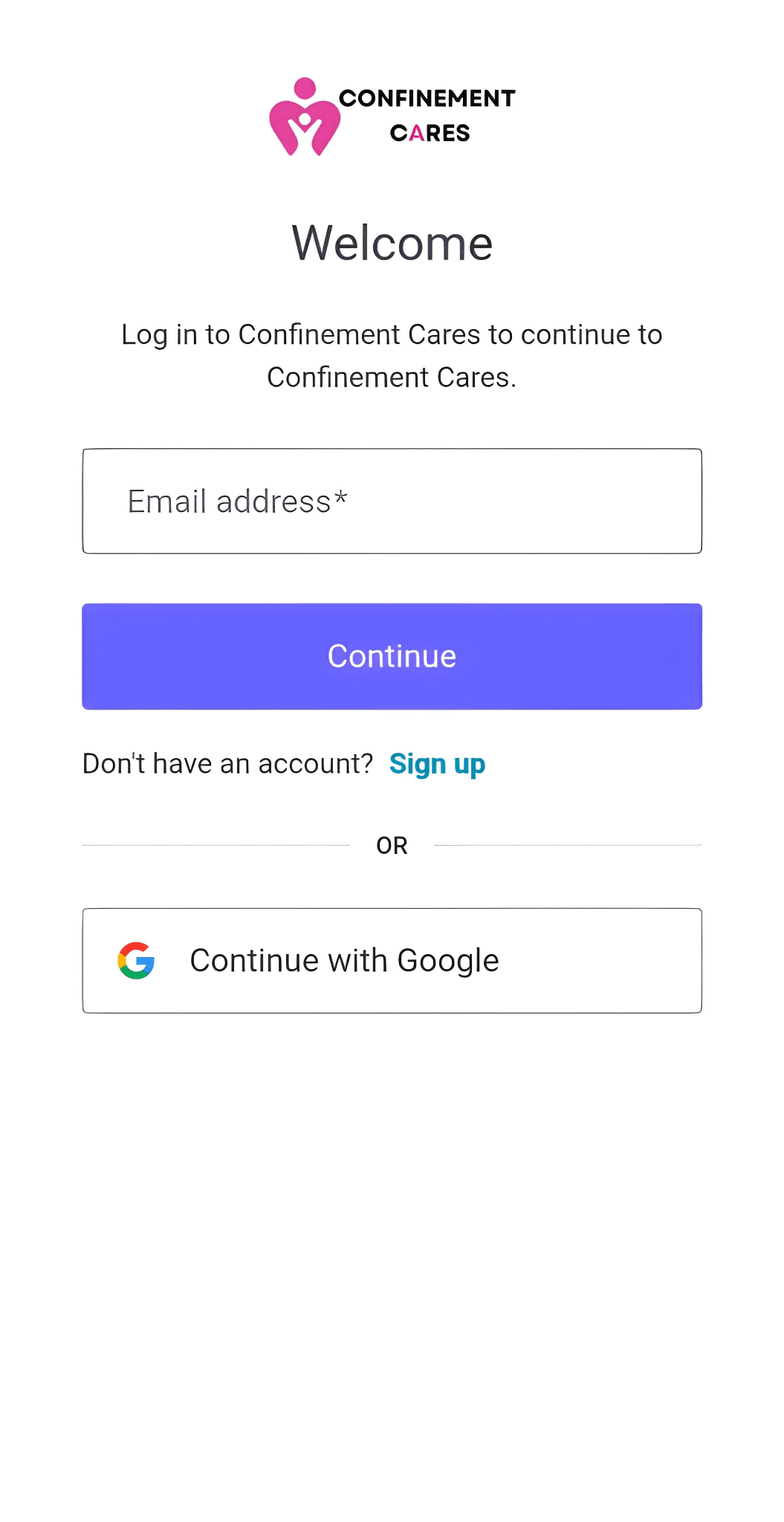
Login page
Step 4: Like the Listing
Click the Like button (usually shown as a heart icon) on the listing page to show your support.

Like button
Step 5: Rate the Listing
Click on the star rating to rate your experience, from 1 to 5 stars.
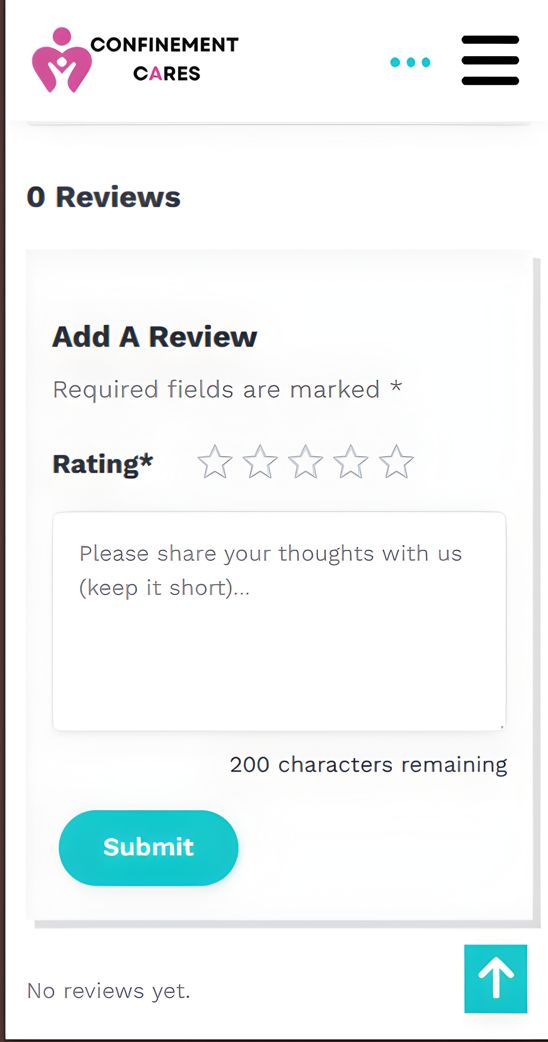
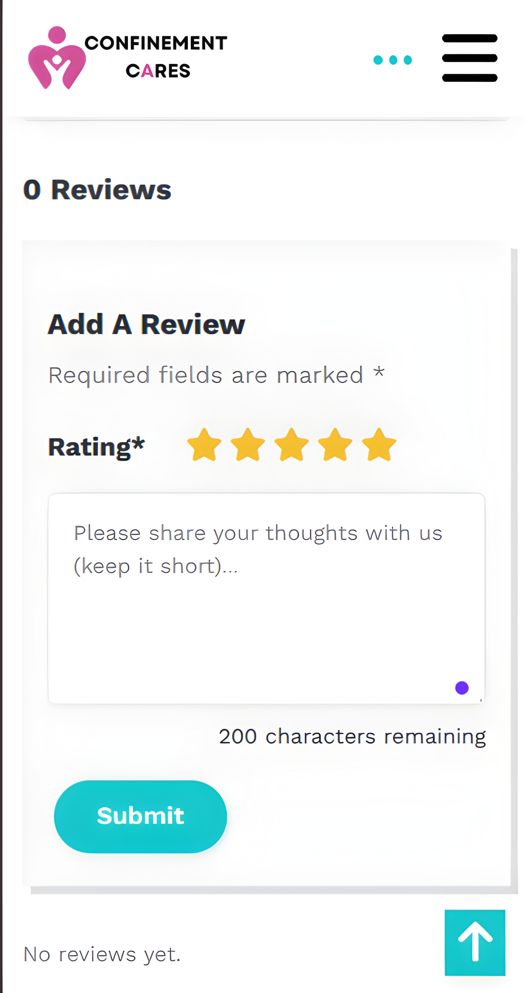
Star rating selector
Step 6: Write Your Review
Scroll to the Reviews section and click Add a Review. Share details about your experience, such as:
- The quality of service or product
- Staff friendliness and professionalism
- Value for money
- Anything future customers should know
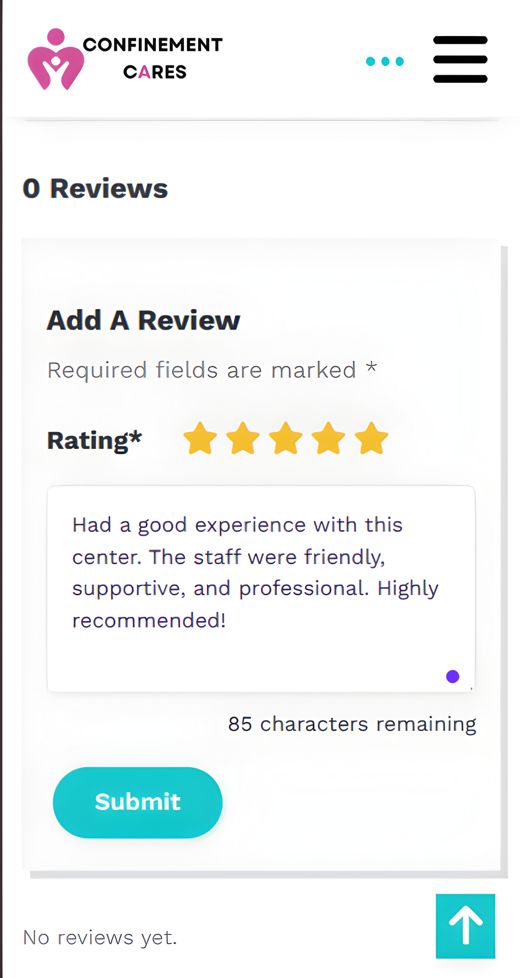
Review form
Step 7: Submit Your Review
Once you're happy with what you've written, click Submit to post your review.
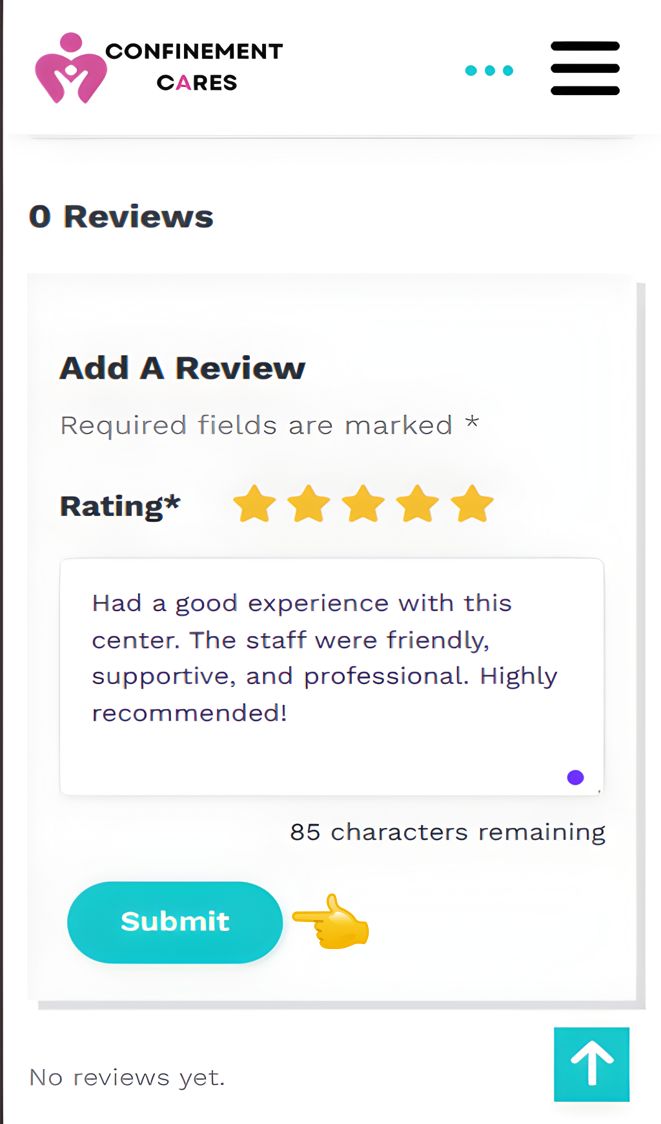
Submit review button
Important Notes
- Be honest and specific in your review — detailed feedback helps other moms make better decisions
- Keep your review respectful and relevant to your actual experience with the business.
Frequently Asked Questions
Q: Do I need an account to like, rate, or review a listing?
A: Yes. You need to create an account and be logged in to like, rate, or review a listing.
Q: Can I edit or delete my review after submitting it?
A: Yes. You can edit or delete your review after submitting it whenever you need to make changes.
Q: Will the business be able to respond to my review?
A: Yes. Business owners can respond to reviews and engage with feedback from their customers.
Q: How is the overall rating calculated?
A: The overall rating is calculated based on the average of all ratings submitted by users for that listing.
Need Help? If you run into any issues liking, rating, or reviewing a listing, our team is happy to help.
📧 Email: [email protected]
Looking for more ways to support businesses you love? Learn how to share a listing with your friends and followers
Recommended Blog Topics
- How to Register an Account
- How to Claim your Listing
- How to Create a Business Listing
- How to Edit Your Listing
- How to Upload Photos
- How to Update Contact Information
- How to Share Your Listing
- How to View Listing Status
- How to Reset Your Password
- How to Explore Blogs
- How to Access Resources
- How to Explore Listings