
How to Create a Business Listing on ConfinementCares.com
[For Confinement Center Business Owners]
💡 Tip: Creating a business listing helps potential customers discover your services on ConfinementCares. Make sure all information is accurate to improve your visibility and credibility.
Step 1: Log in to ConfinementCares
Go to https://confinementcares.com/ and sign in using your registered email address.
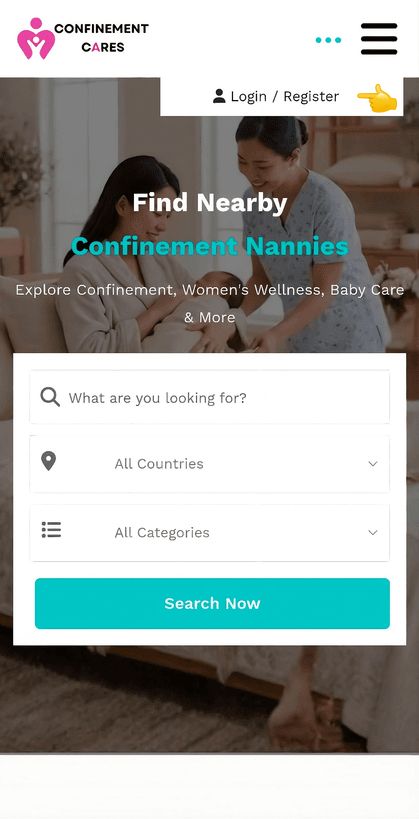
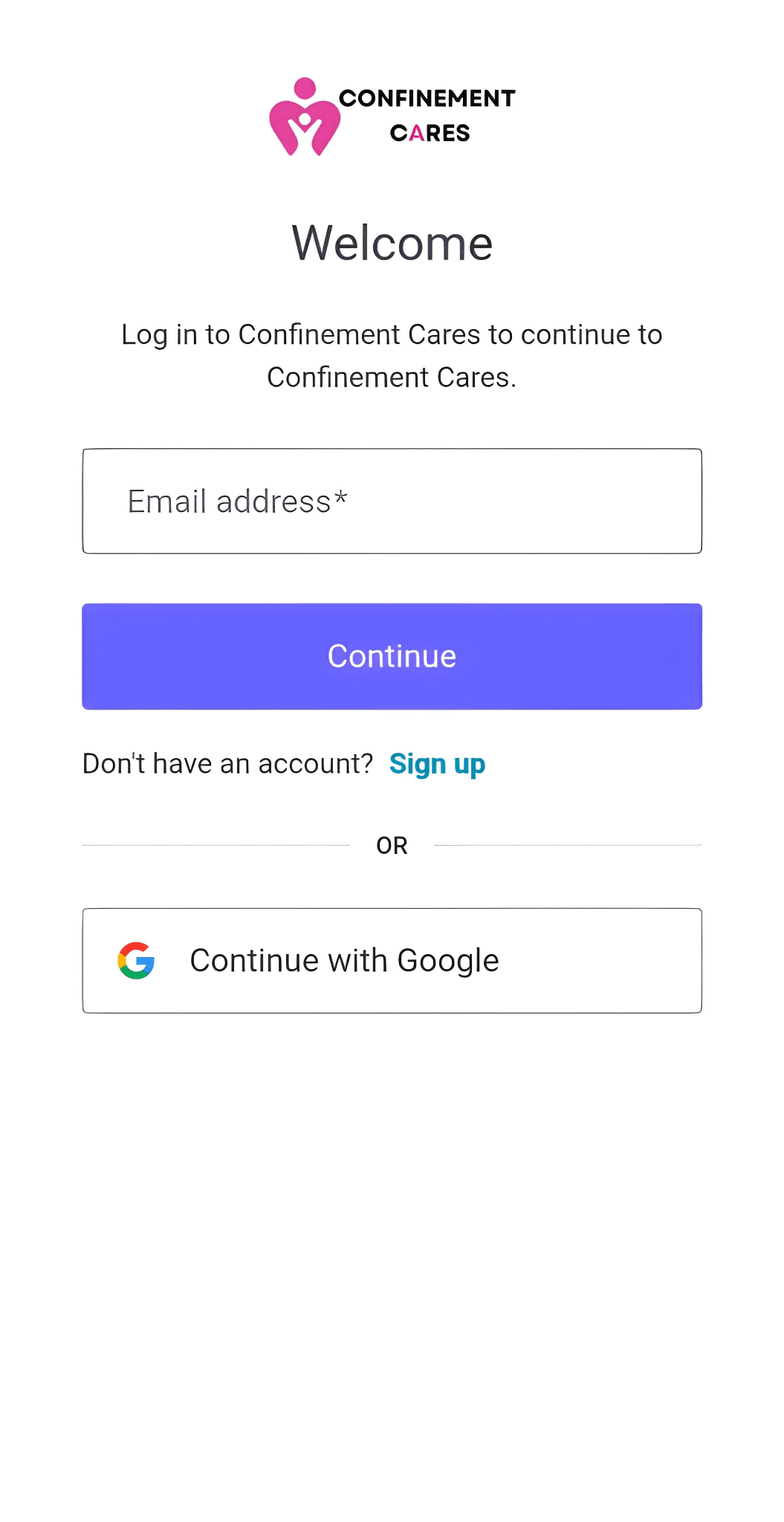
Login page
Step 2: Open Your Dashboard
After logging in successfully, go to your Profile Dashboard by clicking My Account → Dashboard.
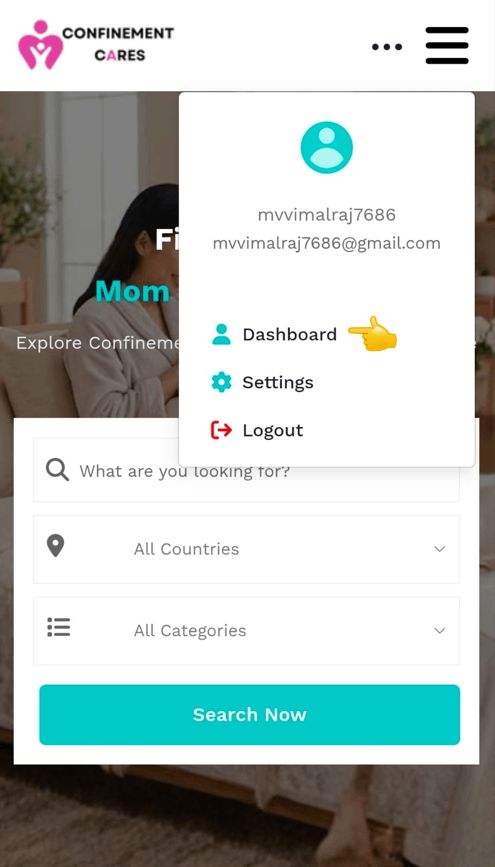
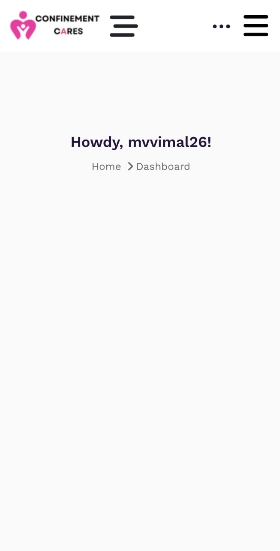
Dashboard
Step 3: Navigate to Add Listings
Open the side menu by tapping or clicking the menu icon. Under the Listings section, select Add Listings.
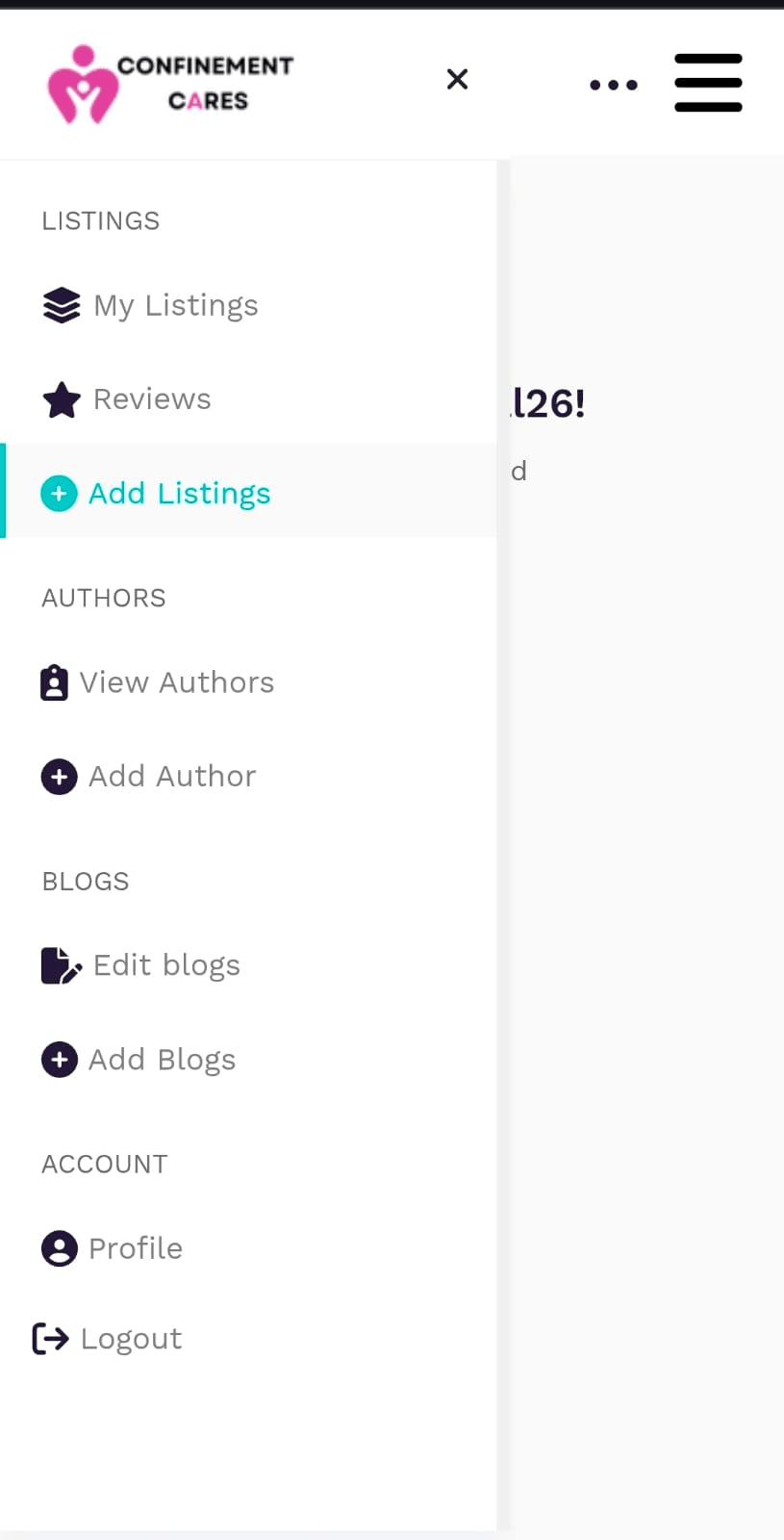
Add Listing
Step 4: Create a Business Listing
On the Add Listings page, fill in the required business information, including:
- Listing Title
- Category
- Business Description
- Contact Information
- Address
- Business Hours
- Photos
You can also provide optional details such as your email address and registration number.
Review all the information carefully before submitting.
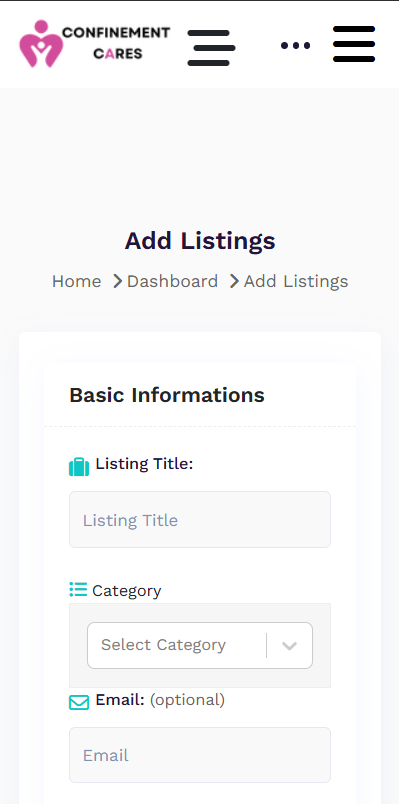
Add Listing
Step 5: Save Your Changes
After completing the form, scroll to the bottom of the page and click Submit Listings. Your listing will be submitted for review. Once approved, it will appear on the ConfinementCares directory.
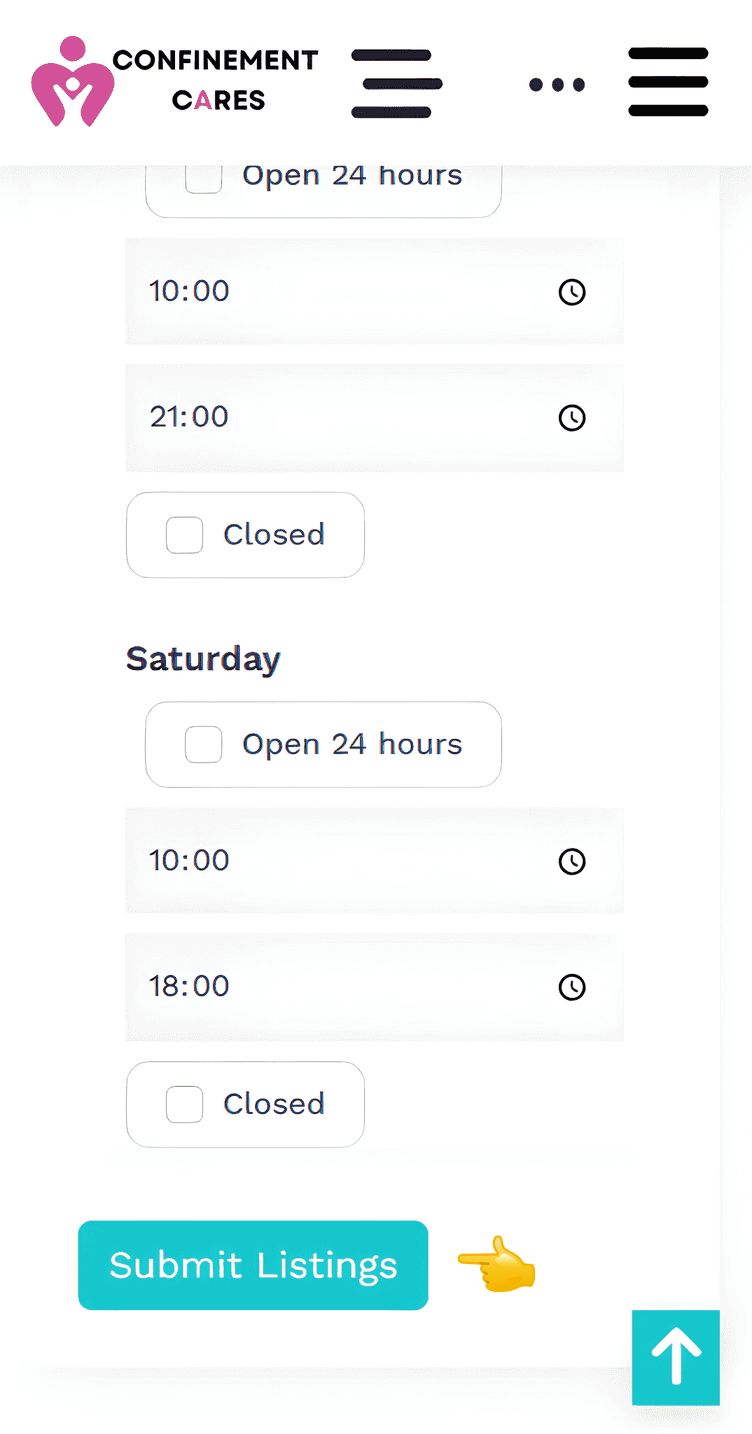
Submit Button
Important Notes
- Most changes are published immediately.
- Changes to your phone number, address, or other sensitive information may require admin approval before they appear on your live listing.
- If you experience any issues, please contact the ConfinementCares support team.
Frequently Asked Questions
Q: Why can't I see my changes immediately?
A: Some updates require admin approval before they become visible.
Q: Can I edit my listing anytime?
A: Yes. Simply log in to your account and edit your listing whenever needed.
Q: What if I forgot my password?
A: Click Forgot Password on the login page and follow the instructions.
Need Help? If you need assistance, please contact the ConfinementCares team.
📧 Email: [email protected]
Recommended Blog Topics
- How to Register an Account
- How to Claim your Listing
- How to Edit Your Listing
- How to Upload Photos
- How to Update Contact Information
- How to Share Your Listing
- How to View Listing Status
- How to Reset Your Password
- How to Like, Rate, and Review a Listing
- How to Explore Blogs
- How to Explore Listings
- How to Access Resources